Creating goals
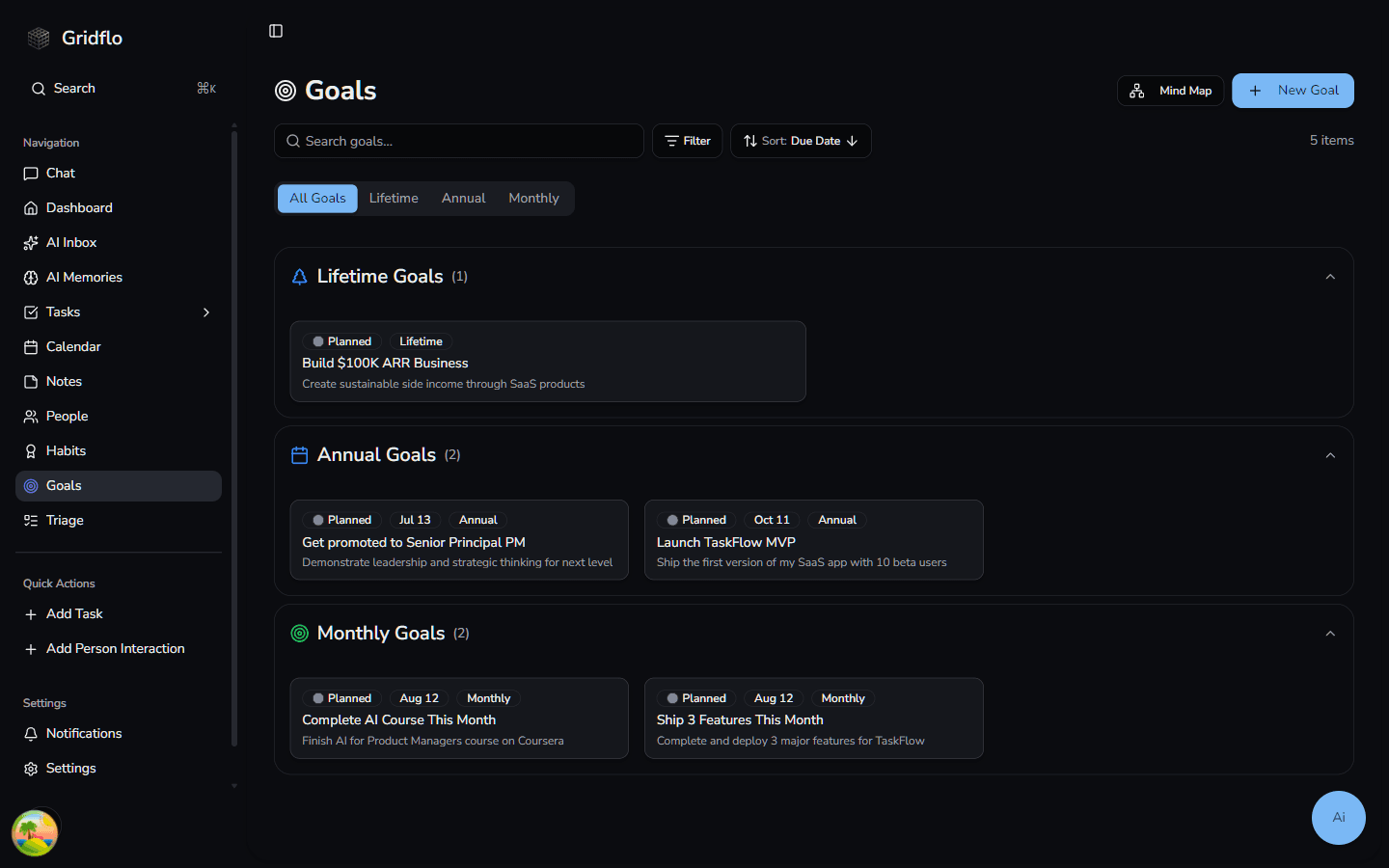
Goals give your day-to-day work a direction. Gridflo organizes them into three timeframes — Lifetime, Annual, and Monthly — so a big dream can break down into this year's milestones and this month's targets.
Create a new goal
- Open Goals from the sidebar
- Click + New Goal in the top-right corner
- Enter a Goal Title — "What do you want to achieve?"
- Add a Description for context, motivation, or success criteria
- Choose a Goal Type: Lifetime, Annual, or Monthly
- Pick a Status and a Due Date, then click Create Goal
Timeframes and due dates
Monthly and Annual goals require a due date, and Gridflo suggests one for you — the end of the current month or December 31 of the current year. Lifetime goals don't need a date at all. The Goals page has tabs for All Goals, Lifetime, Annual, and Monthly: the Annual tab lays goals out in year columns, and the Monthly tab shows all 12 months of a year so you can plan ahead.
Status
Every goal has a status that follows its lifecycle:
- Planned — you've set it but haven't started
- Active — you're working on it
- Done: Achieved, Done: Partly Achieved, or Done: Missed — how it turned out
- Abandoned — you've decided to let it go
More options
Expand More options in the goal form to set a Priority (Low, Medium, or High), choose a Parent Goal — for example, attaching a monthly goal to an annual one — and link related tasks with Linked Tasks. When you edit a goal that has sub-goals, they appear here as Child Goals with their achievement status.
To see how your goals fit together — and connect them visually — read The Goals Mind Map. For the tasks you link to goals, see Tasks & Projects.