Profile and security settings
Your account settings live in two places: General for everyday preferences and Security for how you sign in. To reach them, open Settings from the sidebar, then pick a section under Account.
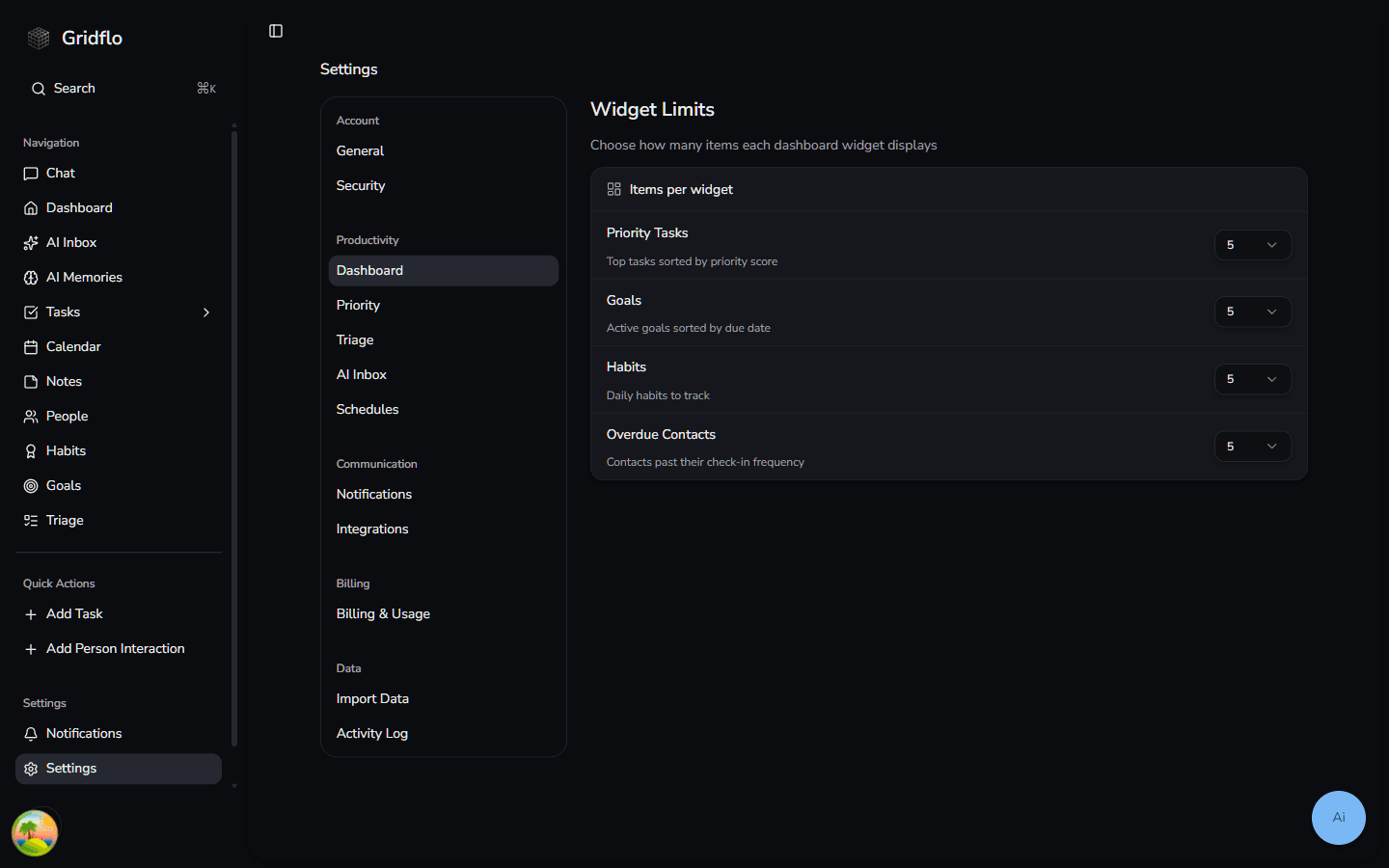
General settings
The General section holds your regional preferences, including your timezone. Gridflo uses your timezone to display dates and times correctly throughout the app — due dates, calendar events, reminders, and more.
- Open Settings and select General
- Under Timezone, choose a timezone from the Select Timezone dropdown
- Click Save to apply the change
If you've moved or travel often, click Use Browser Timezone to switch to the timezone your browser detects automatically.
Security settings
The Security section shows every way you can sign in to your account. Gridflo supports signing in with Google, with Apple, or with your email and password.
Under Authentication Methods you'll see:
- Password — marked Active if your account has a password for email sign-in
- Connected providers — sign-in services like Google that are linked to your account, marked Linked
- Last signed in with — the method you used most recently
From the Reset Password card you can send yourself a password reset link at any time — see Reset your password for the full steps.
The Security section is also where you'll find the option to permanently delete your account. That's covered in Delete your account.